Arduino Uno Starter Kit
Everything to start with Arduino, on a breadboard, no soldering.
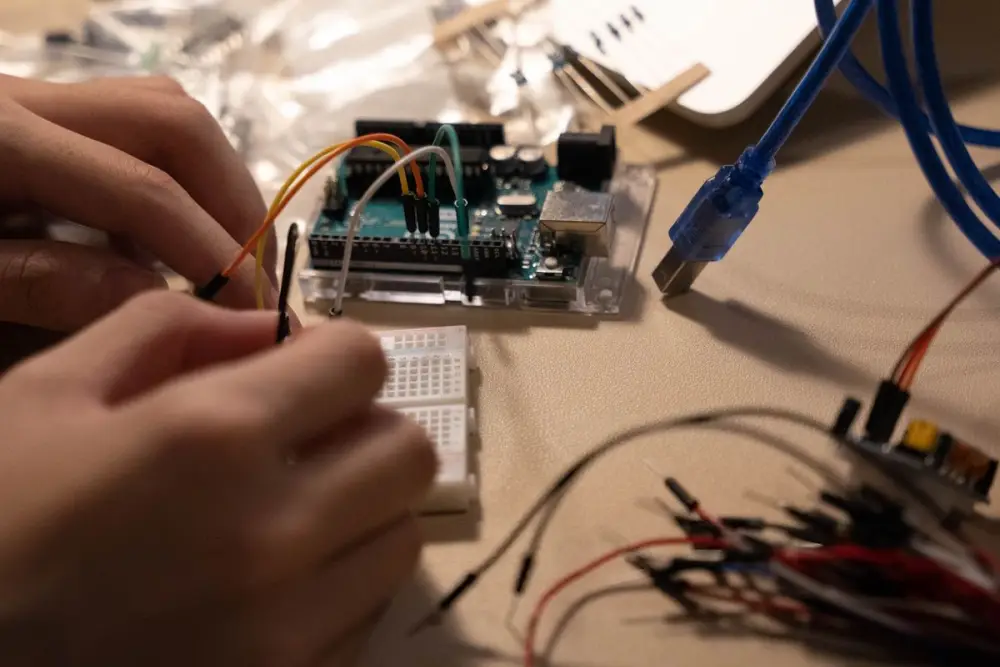
Arduino Uno starter kit for students and beginners: Uno board, breadboard, LEDs, resistors, sensors, servo and jumper wires. Ask the price on WhatsApp.
Price: ask on WhatsApp
Contents can be customised. Tell us your project on WhatsApp and we'll put the right parts together.
Same-day delivery in Bhubaneswar via Rapido is available. See delivery details.
What's in the kit
| Component | Qty |
|---|---|
| Arduino Uno R3 (ATmega328P) with USB cableDIP version, chip can be replaced if damaged | 1 |
| Solderless breadboard, 830 tie points | 1 |
| Jumper wires, male to male | 40 |
| Jumper wires, male to female | 10 |
| 5 mm LEDs, assorted colours | 20 |
| Resistors, 220 ohm, 1 kohm, 10 kohm (1/4 W) | 10 of each |
| Push buttons, 6 mm tactile | 5 |
| Potentiometer, 10 kohm | 2 |
| LDR (light dependent resistor) | 2 |
| Active buzzer, 5 V | 1 |
| DHT11 temperature and humidity sensor | 1 |
| HC-SR04 ultrasonic sensor | 1 |
| SG90 micro servo motor | 1 |
| 16x2 LCD with I2C backpack | 1 |
| 9 V battery clip with DC barrel jack | 1 |
What you can build
- Traffic light controller with LEDs
- Parking distance meter with ultrasonic sensor and buzzer
- Room temperature and humidity display on the LCD
- Automatic night lamp using the LDR
- Servo-controlled door or barrier model
- Simple digital dice or reaction timer game
Who it's for
- School and college students
- First-time Arduino learners
- Teachers running a lab or club
Notes before you start
- Power the Uno from USB while learning. For standalone use, 7 to 12 V into the barrel jack is the safe range.
- The Uno pins give about 20 mA each. Drive anything bigger, like a motor or relay, through a transistor or driver module.
- The servo is fine on USB for light tests. Several servos together need a separate 5 V supply.
- Many shops sell Uno-compatible clones with a CH340 USB chip. They need a free CH340 driver on some Windows PCs.
Questions
Do I need to know programming first?
No. The Arduino IDE is free and the first sketches are a few lines long. Start with blinking an LED and move up from there.
Do I need a soldering iron?
No. Everything plugs into the breadboard. Soldering becomes useful later when you want to make a project permanent.
Can I swap parts, for example DHT22 for DHT11?
Yes, tell us on WhatsApp. DHT22 is more accurate and uses the same wiring and a similar library.
Does it work with a laptop?
Yes, Windows, Mac and Linux all run the Arduino IDE. You need a free USB port.
Want the price for this kit?
Message us on WhatsApp. You can also ask to change parts to suit your project.